
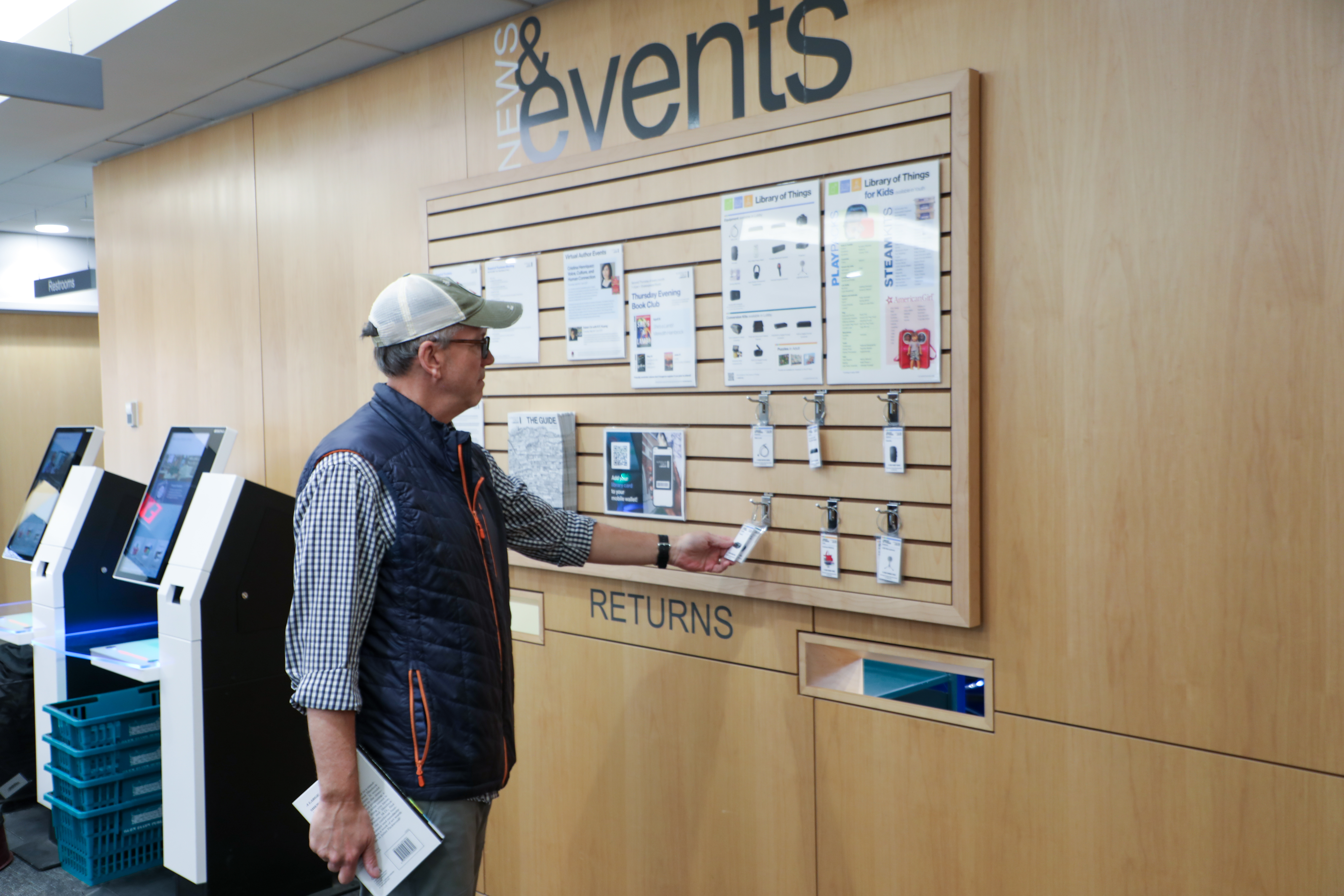
 If you have been wondering how much heat you’re losing through the windows in your home during the winter, you’re not alone. Glen Ellyn Public Library cardholder DJ LaChapelle stumbled across the equipment in the Library of Things while browsing the SWAN Libraries + app. Intrigued, he placed a hold for the thermal imaging camera.
“My home has older windows and I wanted to see whether they were losing heat. The instructions were easy to follow and the whole process was pretty simple,” he said.
The library also recently received a request for a radon detector from a resident who wonders about their basement radon levels and wanted to borrow a radon detector. “It takes the guess work out of which one to buy, and picking it up at the library is more convenient than going out to buy one,” they added. DJ also expressed interest in borrowing a radon detector, and the library is in the process of adding one to the Library of Things.
“Knowing that the library has equipment I can borrow motivates me to actually do the job. It will be the difference between thinking I should do something and actually doing it!”
If there are projects you have been putting off because you don’t have the right equipment, check the Library of Things! You can browse the equipment in the Library of Things in the online catalog or in person on the slat wall in the lobby near the book returns. And if there is equipment that you would like to borrow that isn’t there, let us know! You can drop a suggestion in a suggestion box at the library or suggest a purchase online.
